
Updates
One place to check.
When a supported app publishes a new release, Senway Store can surface the available update in one place on the device.
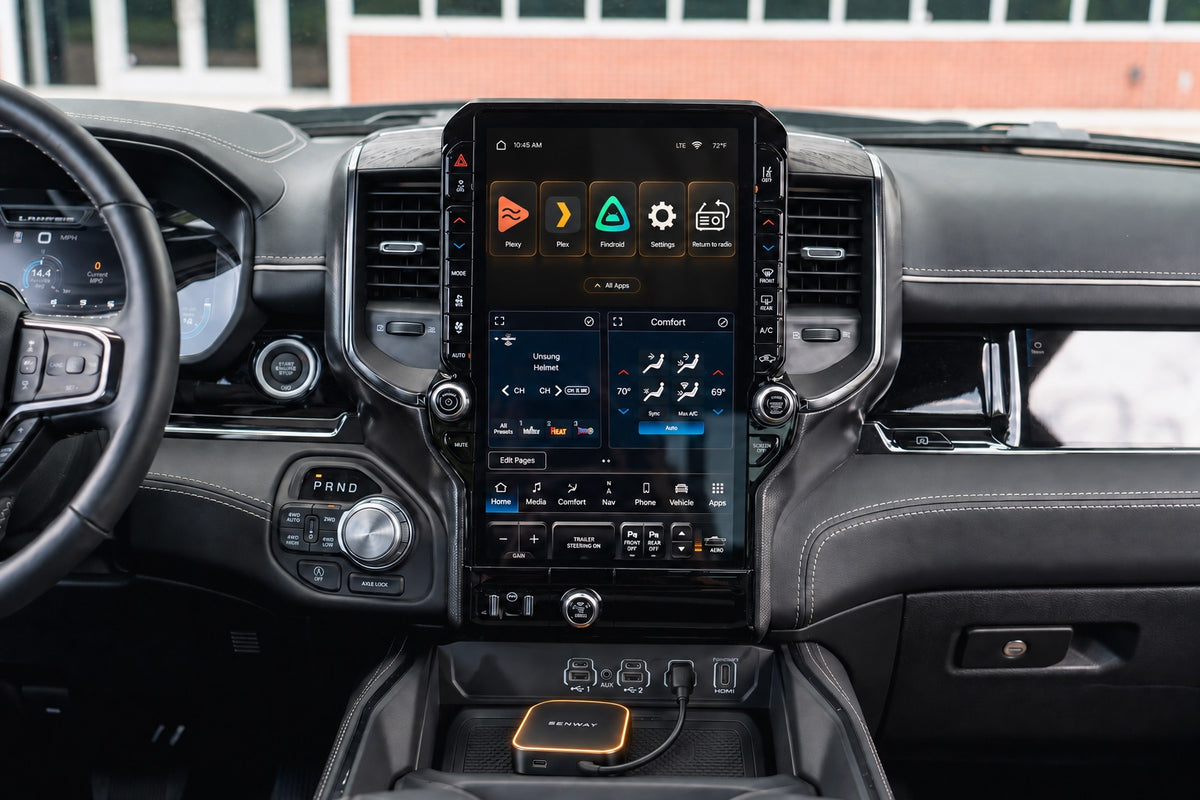
Your media library on the factory screen.
Play what you own. Built for the Plex, Jellyfin, or Emby library you already run.
Launch price$359
Regular price$389
Launch price
$30 launch discount applied automatically in your cart. No code needed.
Check before you buy
Senway 1 requires a compatible factory screen. Search by make, model, or year.
What's in the box?
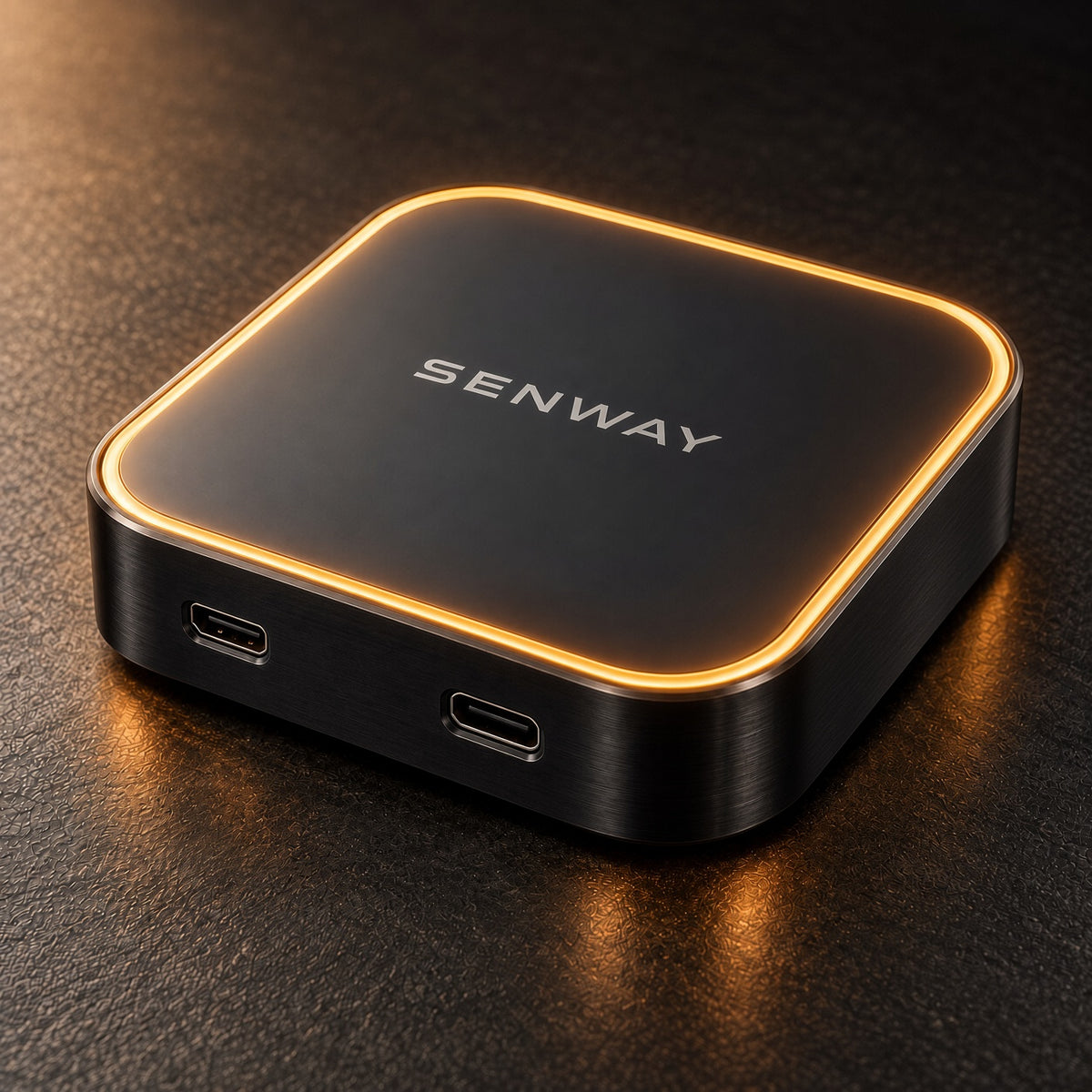
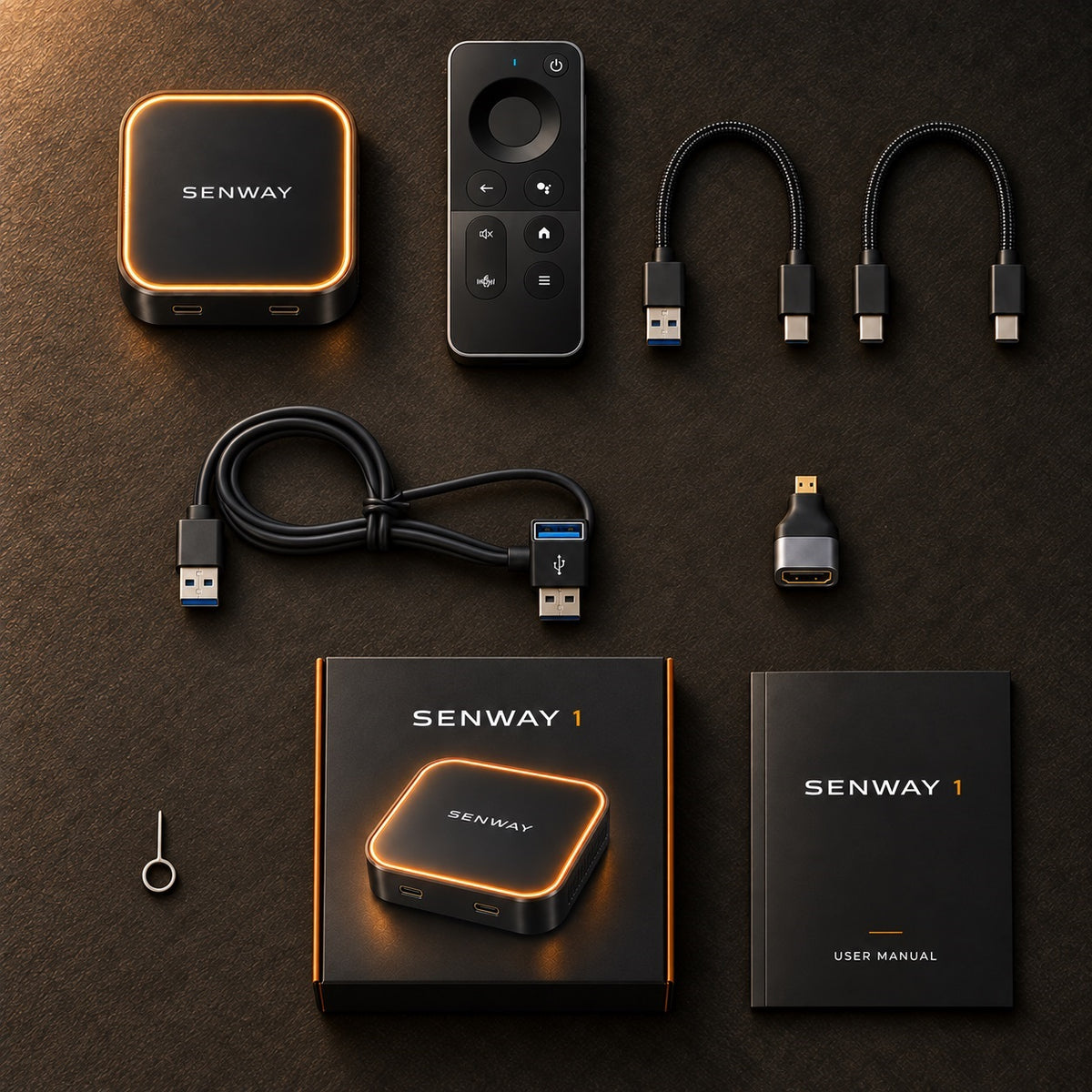
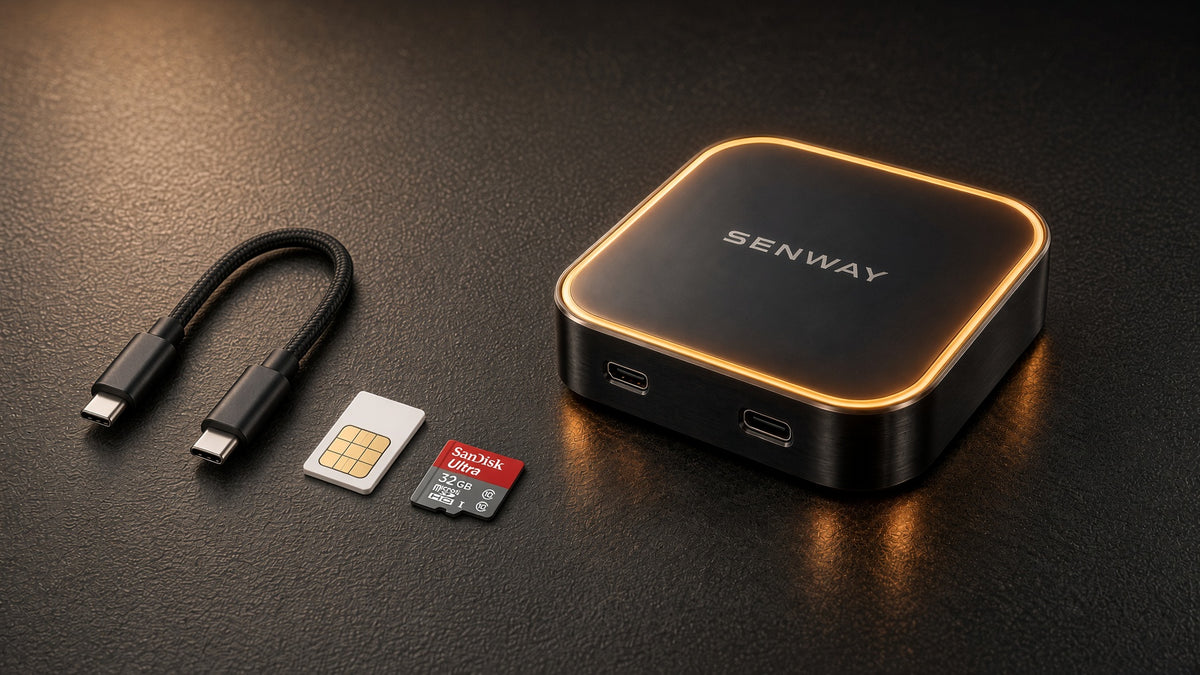
Senway 1 · Senway remote · USB-A to USB-C cable · USB-C to USB-C cable · Y-power cable · User manual
Your collection
Bring your existing self-hosted media library to your vehicle’s factory screen. Sign in, choose your player, and continue with the collection you already manage.
Works with



Your server stays yours. Senway 1 gives you a dedicated way to access the compatible player apps from the road.
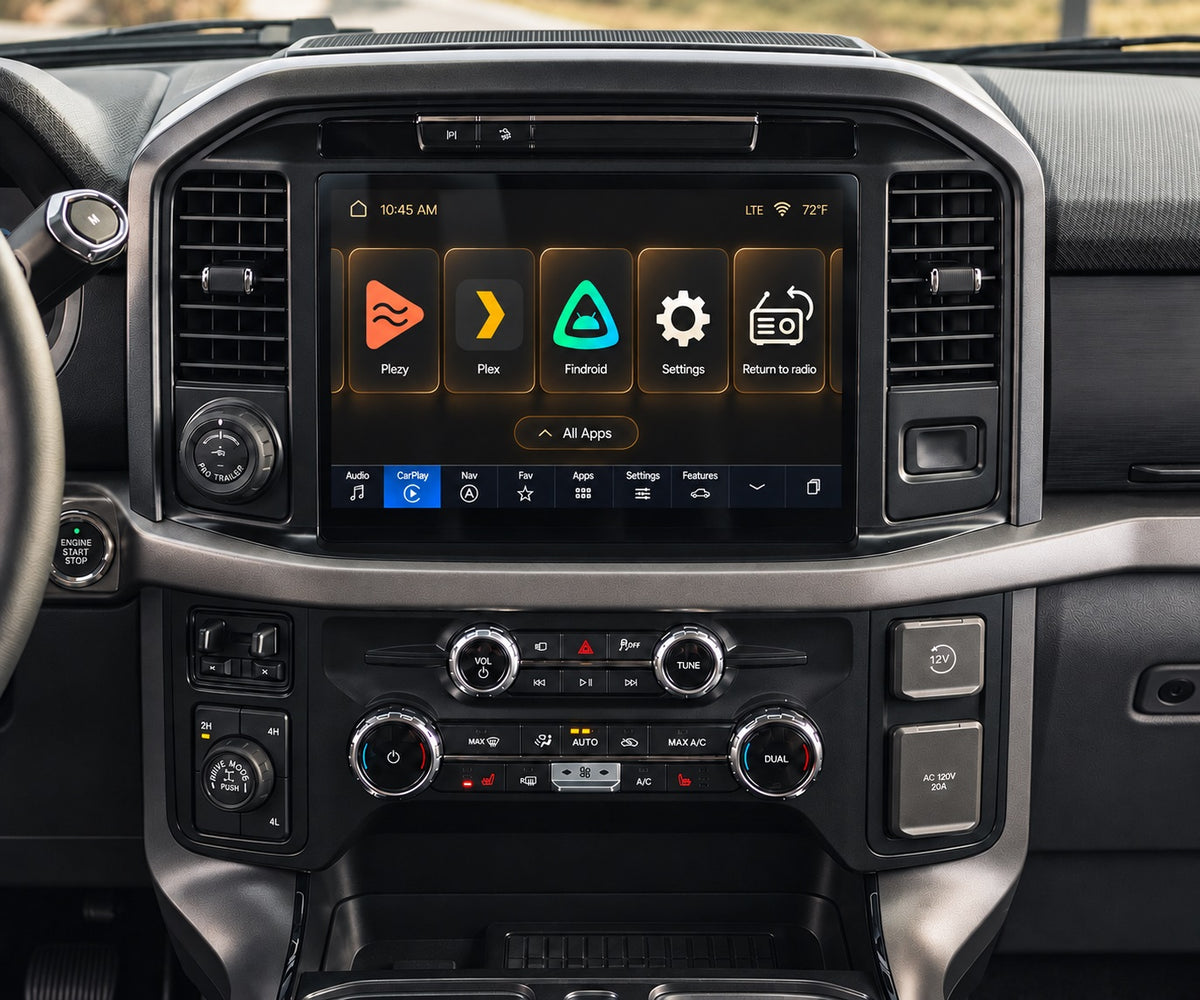
Plex, the Plex Play logo and Plex Media Server are trademarks of Plex and used under a license. Jellyfin and Emby are trademarks of their respective owners. No affiliation or endorsement is implied.
Senway Store
Senway Store brings supported app releases together on Senway 1, so updates are easier to find and install from one familiar place.
Personal-library and vehicle apps stay separate from optional commercial streaming services, keeping the tools Senway 1 is built around easy to find.

Updates
When a supported app publishes a new release, Senway Store can surface the available update in one place on the device.
Direct installation
For supported direct-distribution apps, there is no need to download an APK on a computer, copy it to microSD, and install it manually.
Organized
Personal-library and vehicle apps are separated from optional commercial streaming services, keeping the main experience focused.
Third-party apps, release availability, and update timing may change. Senway Store does not replace subscriptions, accounts, or licenses required by third-party services.
Setup
Step 01
Use the vehicle port for your compatible factory screen.
Step 02
Pair the remote, connect Wi-Fi, and choose your media player.
Step 03
Browse your library using touch or the included remote.
Compatibility first
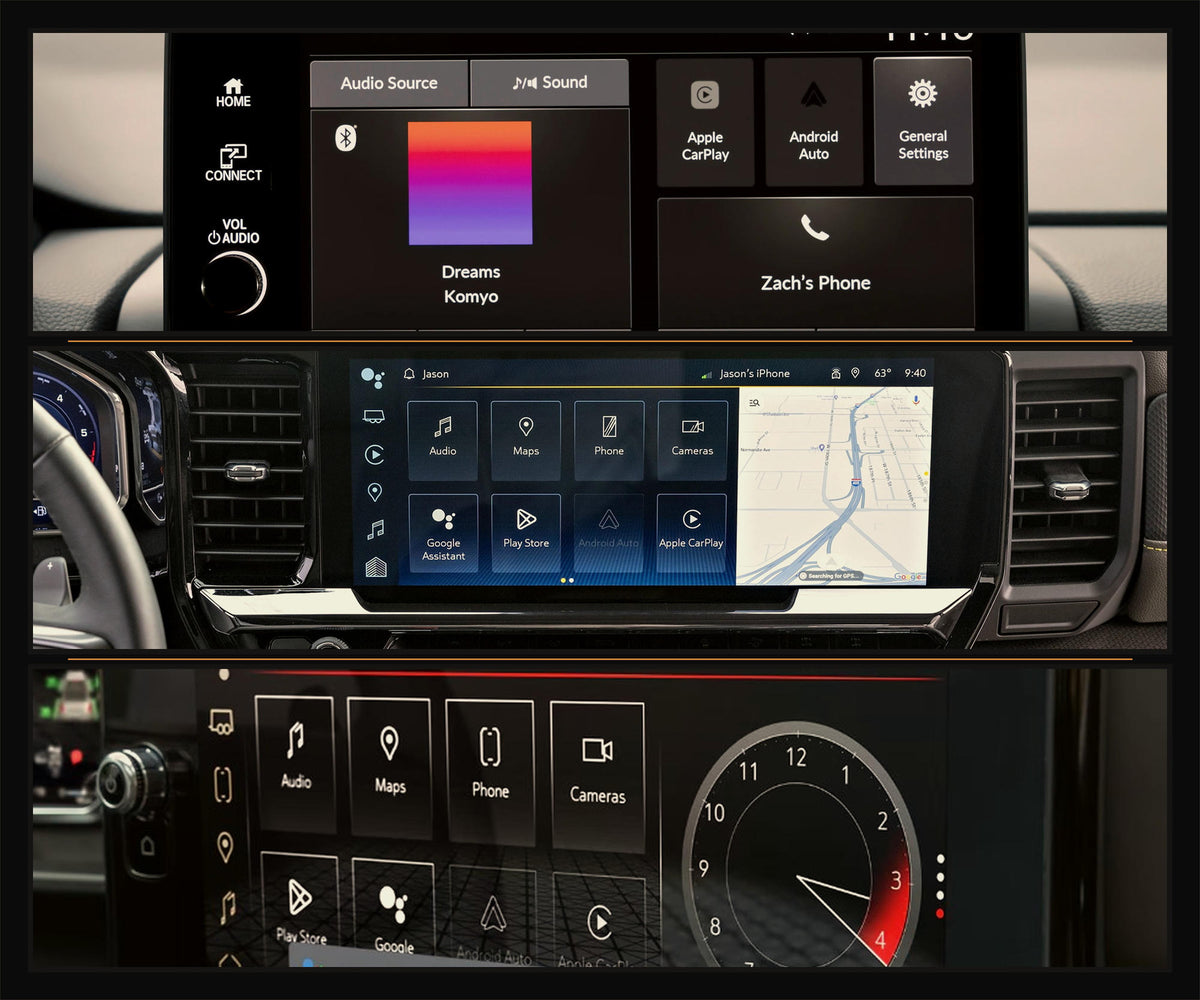
Senway 1 needs a factory screen that already supports wired CarPlay, wireless CarPlay, or wired Android Auto.
The U.S. vehicle guide is a starting point, not a guarantee. If your trim is unusual, send the year, make, model, and trim to support.
Purposeful hardware
Built around the details that matter on a real drive: sustained performance, flexible connectivity, and straightforward control.

Ventilated aluminum alloy
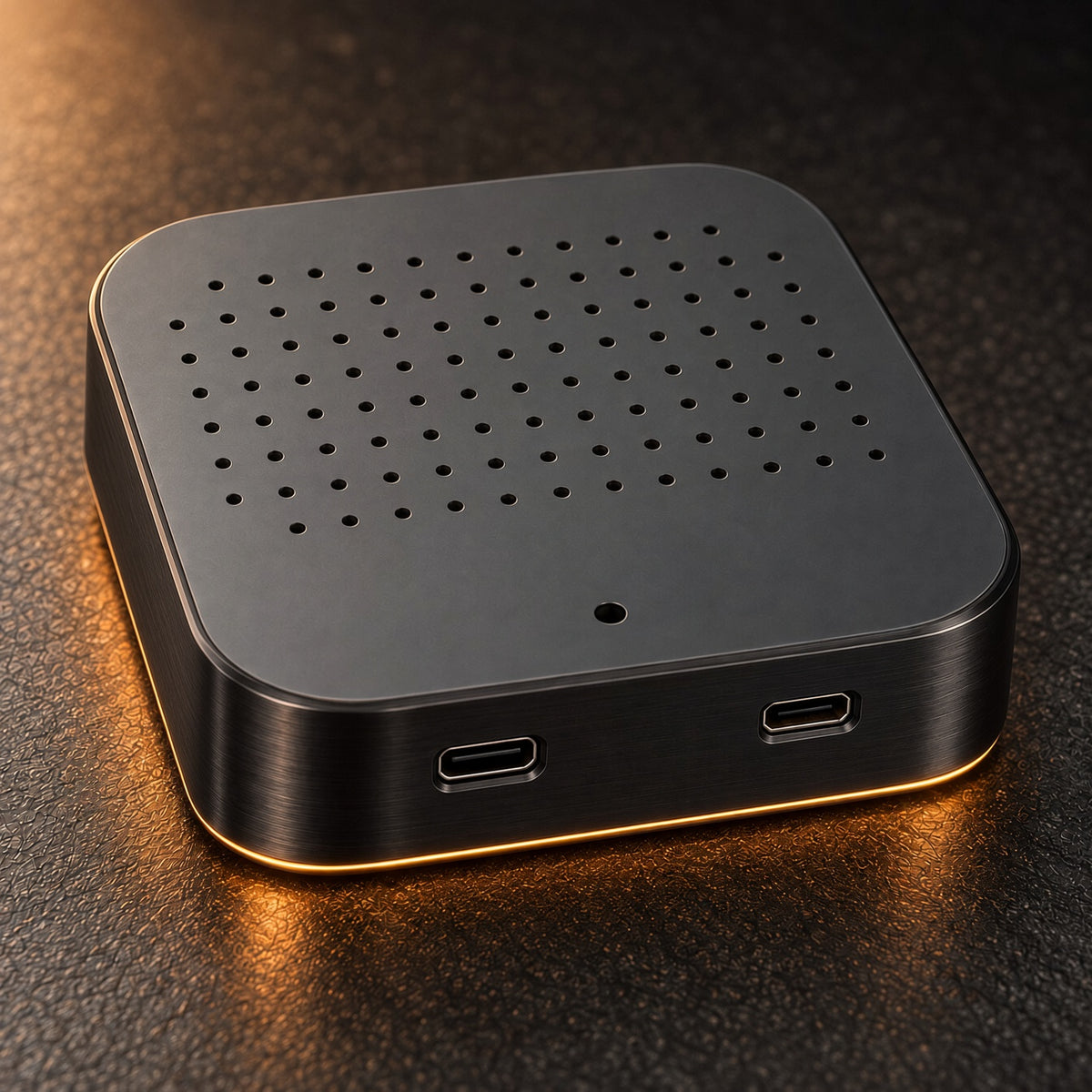
Aluminum-alloy sides and base, with airflow openings on the underside.
Thermal design
An aluminum-alloy frame and ventilated base help move heat away during sustained playback. In more than 24 hours of continuous internal testing, we observed no heat-related lag or disconnections.
Continuous-use results are from internal testing under controlled conditions. Vehicle temperature, placement, power, and network conditions can affect performance.
Flexible connectivity
Use an existing connection or activate optional mobile data when the drive calls for it.
Connectivity
Use your car’s Wi-Fi, share your phone’s hotspot, insert a compatible nano SIM, or activate an optional data plan through the CloudSIM app on Senway 1. No Senway data subscription is required.
CloudSIM plans are sold separately. Pricing, coverage, and availability may vary by location.
Senway remote included
Straightforward control when the factory screen is recessed or touch is inconvenient.
Control included
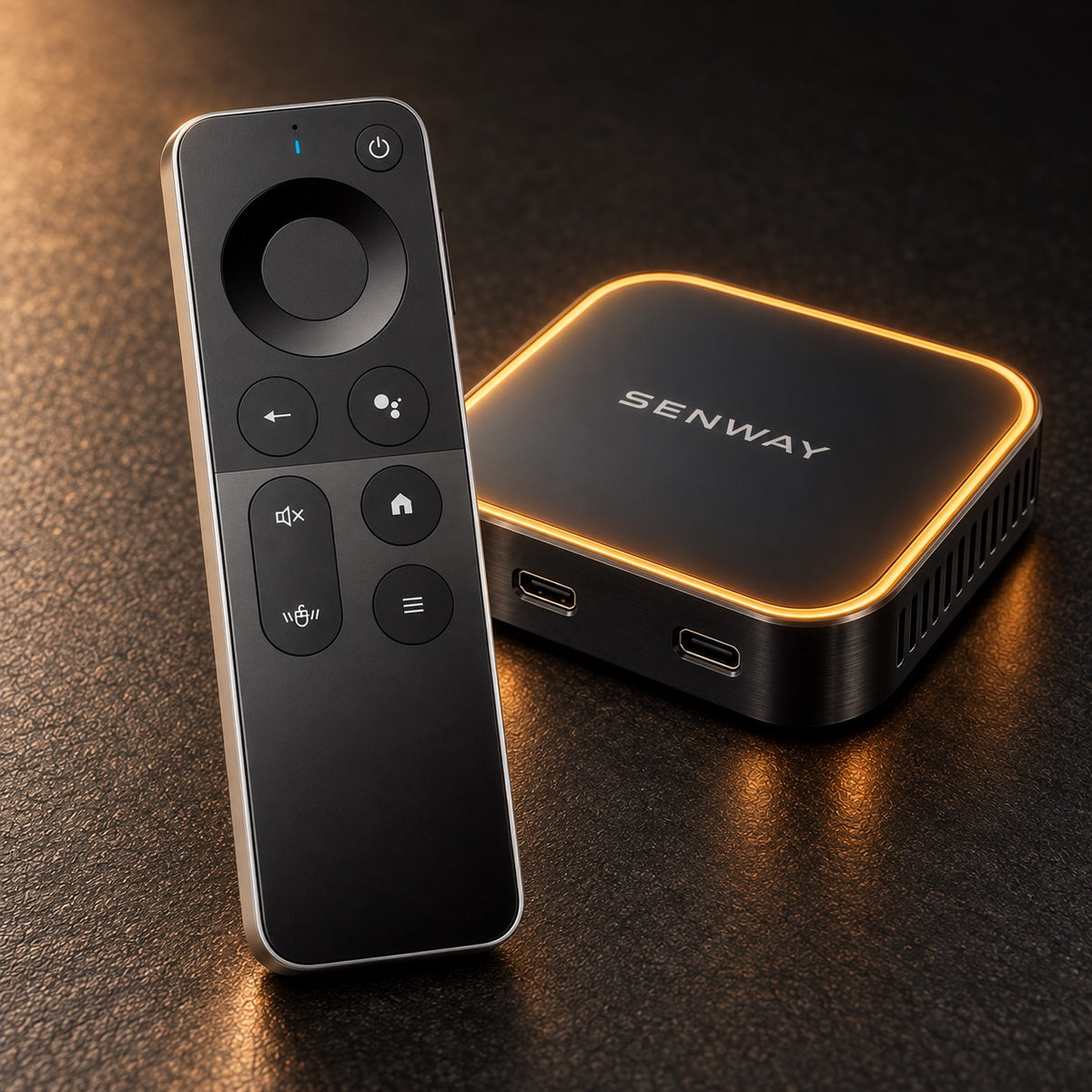
The official Senway remote is included, giving you a straightforward way to navigate Senway 1 when the factory display is recessed or touch control is inconvenient.
The official Senway remote hardware is sourced, but its integration is not generic: Senway revised the device’s key and action-code handling, then validated every D-pad direction and primary control on Senway 1.

Senway remote
Included with every Senway 1.
Included control
The official Senway remote is included with Senway 1. Use it when the factory display is recessed, touch control is inconvenient, or a passenger wants to browse from their seat.
Senway-validated integration
The Senway remote hardware is sourced, but its integration is not generic. We revised Senway 1’s key and action-code handling around the remote, then validated its controls on the finished system.
We revised the device’s key and action-code handling around the Senway remote instead of relying on generic Android defaults.
Every D-pad direction and primary control was validated on Senway 1 for consistent, predictable response.
Passengers may operate the system during travel. Drivers should only interact with video content when safely parked and where permitted by law.
Details
The hardware, connections, and included equipment behind Senway 1, organized for quick reference.
Ways the Senway 1 talks to your car:
Helpful guides
Explore practical ways to use your personal media library on the factory screen.
Questions
Senway 1 requires a compatible factory screen that supports wired CarPlay, wireless CarPlay, or wired Android Auto. Use the compatibility checker as a starting point. If your vehicle or trim is unusual, contact support with the year, make, model, and trim before ordering.
Yes. Senway 1 works with compatible Plex, Jellyfin, and Emby libraries. For Plex and Jellyfin, Plezy is the recommended app for touch or remote control; other compatible options include Plex and Findroid for touch and Wholphin for remote control. For Emby, the official Emby app is recommended and supports touch or remote control. Plezy is also an approved option for Emby.
Having trouble connecting or playing your library? Open the Plex troubleshooting guide, Jellyfin troubleshooting guide, or Emby troubleshooting guide.
Use your car’s Wi-Fi, share your phone’s hotspot, insert a compatible nano SIM, or activate an optional data plan through the CloudSIM app. No Senway data subscription is required. CloudSIM plans are sold separately, and pricing, coverage, and availability may vary.
Yes. Add compatible local media to a microSD card for playback when a reliable data connection is not available. Senway 1 supports microSD cards up to 256 GB.
Use the included Y-power cable if Senway 1 reboots, will not stay powered, or does not finish its first startup. These symptoms can indicate that the vehicle’s main USB port is not supplying enough power by itself.
Yes. The official Senway remote is included. Its key and action-code handling was mapped specifically for Senway 1, and every D-pad direction and primary control was tested on the finished system.
Yes. Senway 1 includes an HDMI output for a compatible passenger display.
A slow amber pulse means Senway 1 is starting or waiting. Solid amber means it is ready. A fast amber pulse means it is updating or switching modes. Red is reserved for recovery or attention.
Senway 1 is built on the Qualcomm SM6350 platform, which includes dedicated hardware for decoding supported H.264, H.265/HEVC, VP8, and VP9 video. Hardware decoding can reduce processor load and help compatible media play more smoothly.
Direct Play is not determined by the video codec alone. The player app, file container, audio track, subtitles, bitrate, network connection, and media-server settings can still cause Plex, Jellyfin, or Emby to transcode a file.
Plex: You need a Plex account with access to the Plex Media Server you want to use. Local playback of personal video on the same network can be free. For remote personal-video playback, Plex currently requires either the server administrator to have Plex Pass, or the viewing account to have Plex Pass or Remote Watch Pass. Remote Access must also be enabled on the server.
Jellyfin: You need a user account created on the specific Jellyfin server. Jellyfin does not require a central cloud account or paid subscription. For use away from the server's local network, the server owner must configure secure remote access and allow remote connections for your Jellyfin user.
Emby: You need a user account on the specific Emby server. A free Emby Connect account is optional and can make remote sign-in easier, but the server must still be configured for remote access. Depending on the player app and features used, an app unlock or Emby Premiere may be required.
Senway does not include or sell third-party media accounts, subscriptions, server access, or content rights. Requirements and pricing are controlled by Plex, Jellyfin, Emby, and the selected player-app developer and may change.
Senway 1 is a general-purpose media device. Whether a particular use is lawful depends on the content, your location, and how the vehicle is being operated. Senway provides the device only—we do not provide movies, television programs, media subscriptions, or rights to third-party content.
Use Senway 1 only with media you own, are licensed to access, or otherwise have the legal right to play. We take copyright infringement seriously and do not support or encourage piracy.
In-vehicle screen and distracted-driving laws vary. Drivers should watch video or operate entertainment features only while safely parked and where permitted by law. Passengers should also use the system only where lawful. You are responsible for following local laws and the terms of any third-party apps or services.